Case study · Team project
Falcon Eye AI
A browser tool for AI image edits: generative fill, object and background removal, recoloring and restoration, with Stripe credits. Built by four people in 12 days.
- My role
- Team Lead, Full Stack Developer, AI Engineer, UI/UX Designer
- Team
- 4, with Abdulaziz Alhazmi (opens in a new tab), Rana Almalki (opens in a new tab) and Najwa Almutairi
- Timeline
- Oct 2024, 12 days
- Context
- Tuwaiq Academy · final project
- Platform
- Responsive web app with an Express API
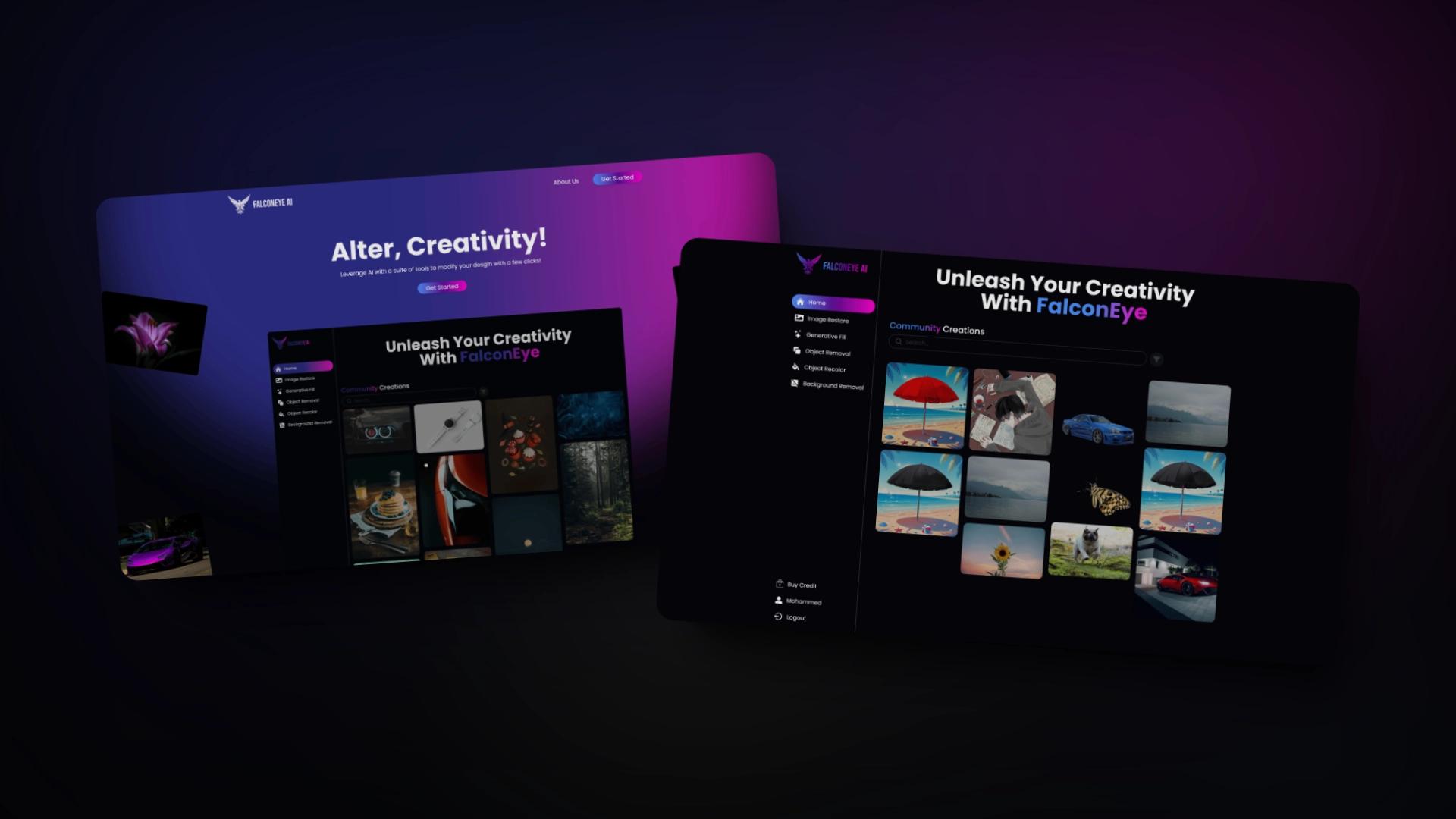
01 Overview
Falcon Eye AI is a web tool for AI image editing. People sign up, upload an image and run an edit: generative fill, object removal, background removal, recoloring or restoration. Edits spend credits bought with Stripe, and a community gallery shows what others made.
- 12 Days
- 4 People
- 5 AI edits
02 Problem
AI image edits are spread across separate apps and sites, and for many people a simple edit still means paying a designer, a cost that adds up. We wanted the common edits in one browser tool, paid per edit, and we had less than two weeks to ship it.
Constraints
12 days from the first commit to launch, four people working in parallel and real payments: every edit had to spend credits that Stripe had confirmed.03 My role
I led the team, designed the UI/UX and worked on both the client and the server, with the most commits in each repository (78 of 250 and 32 of 81).
- Landing and brandBuilt the landing page, the about page, the navbar and the footer, and set the logo colors and palette
- AI editsBuilt generative fill and the image preview, and fixed background removal
- PaymentsSet up Stripe on the credits page, with the checkout session and webhook on the server
- APIWrote the request validators for creators, images and transactions
- AccessSent signed-out visitors to sign-in when they open an edit
- TeammateAbdulaziz AlhazmiProfile and credits pages; image and creator APIs (opens in a new tab)
- TeammateRana AlmalkiSign-up, sign-in and transformation pages; creator API (opens in a new tab)
- TeammateNajwa AlmutairiTransformation pages, sidebar and home; authentication API
- Frontend
 React
 Vite
 Tailwind CSS
 Framer Motion
 JavaScript
- Backend
 Node.js
 Express
 MongoDB
- Services
 Stripe
 Cloudinary
 Render
- Tooling
 Git
 GitHub
- Design
 Figma
 Canva
04 Key decisions
The choices that shaped the product. Open one to see why it was made and what it cost.
AI edits through Cloudinary
What we chose
Cloudinary's AI transformations for all 5 edits, instead of hosting our own models
Why
In 12 days, a hosted API let us ship five edits and spend the time on the product around them.
Trade-off
Every edit depends on Cloudinary's models, limits and pricing.
Credits confirmed by Stripe
What we chose
Stripe Checkout on the credits page, and a webhook on the server that records each payment
Why
The server adds credits only after Stripe confirms the payment, so they can't be added from the browser.
Trade-off
A webhook and its keys to set up for each environment: the payment setup took several rounds of fixes in the last three days.
Validate on the server
What we chose
express-validator rules for every creator, image and transaction request
Why
The API checks what the client sends instead of trusting it.
Trade-off
Rules to keep in step with the forms on the client.
05 Result
Shipped on Oct 31, 2024 with sign-up and sign-in, 5 AI edits, Stripe credits, profiles and a community gallery, deployed on Render.
- 331 Commits across client and server
- 9 Pages
What I learned
Twelve days taught me to wire the risky part first: payments worked end to end before we polished the screens. Next time I'd test the webhook with Stripe's CLI from day one instead of fixing its setup at the end.
With thanks to
Next project: YC Directory
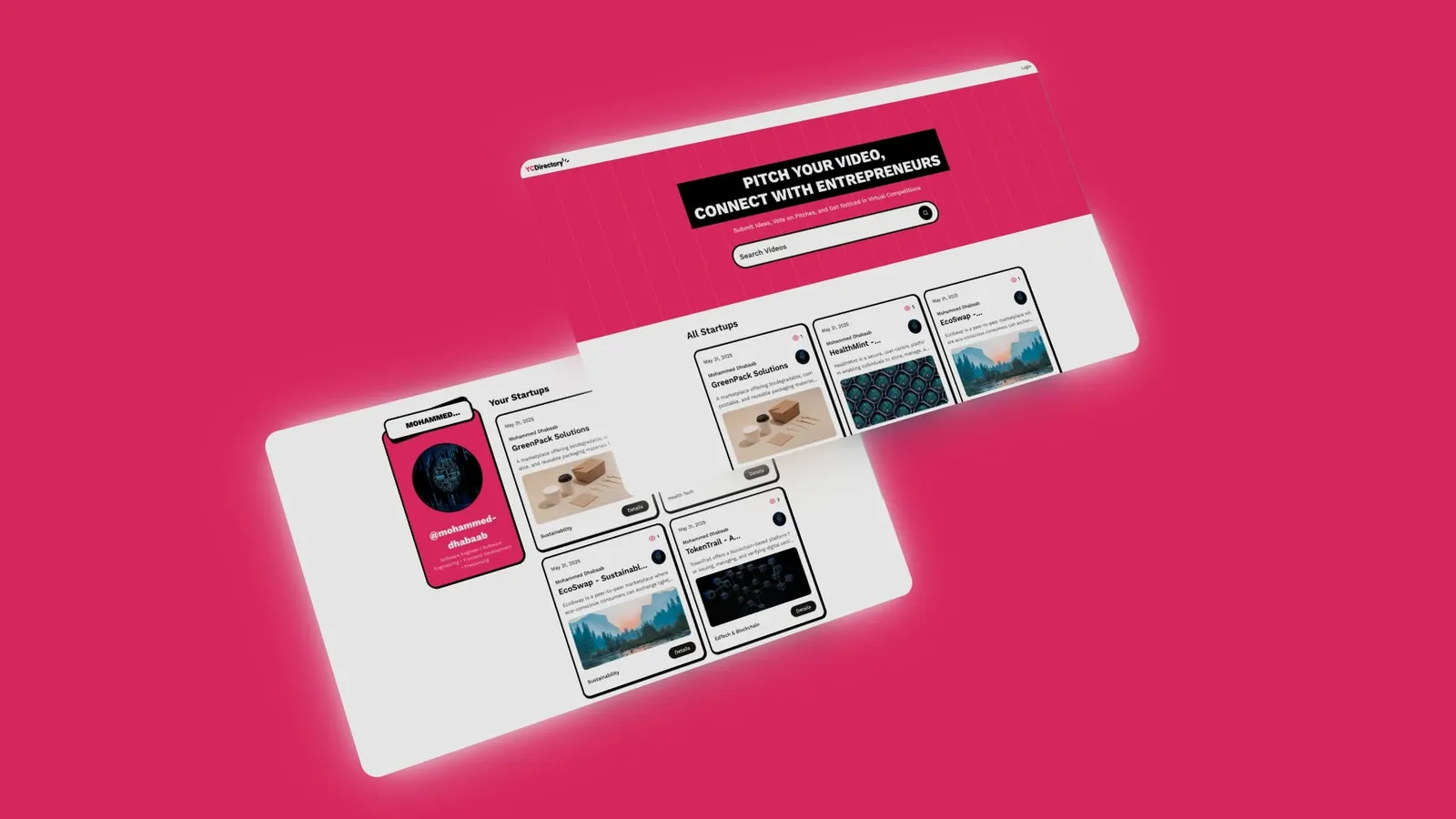
A startup pitch directory in Next.js and Sanity: sign in with GitHub, submit pitches in Markdown, search them and see view counts.
Questions